
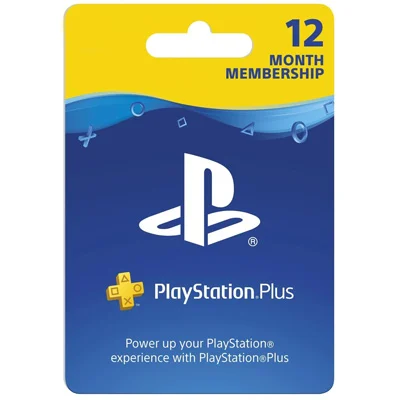
US PlayStation Plus Essential Card
PlayStation Plus is Sony’s membership for PS5 and PS4. The cards on this page are for the Essential tier. It lets you play online multiplayer, gives you a set of games to download each month, and adds member discounts in the PlayStation Store.
PSN Plus Card FAQ
Where do I buy a PS Plus card on this page?
Pick a length (3 months or 12 months) and click Buy Now. You will go to that card on Kinguin, where you pay and receive the code, usually within minutes. GiftCardEver does not sell this card itself. We link to Kinguin and may earn a small commission, at no extra cost to you.
Make sure you buy a code, not a listing that sells a ready-made account.
Which region do I need?
The PlayStation Plus cards linked on this page are US cards. They only work on PlayStation accounts set to the United States. A US card will not redeem on an account from another country. Before you pay, check the region shown on the Kinguin product page.
Who should buy a US PS Plus Essential card?
PS Plus Essential is for PlayStation players who want to play online with friends. It also includes monthly games you can keep while your membership is active, cloud storage for game saves, and member-only discounts. It suits anyone with a US PlayStation account who prefers to pay with a card instead of a recurring charge.
How to redeem a PS Plus card?
On PS5:
- Open the PlayStation Store.
- Select the … (more) icon at the top of the screen.
- Select Redeem Code, enter the code and confirm.
In a web browser, sign in at store.playstation.com, select your avatar, then Redeem Codes. The membership time is added to your account.
Each card adds a fixed length of membership, either 3 months or 12 months, to a PlayStation account registered in the United States.

Be the first to review this card