
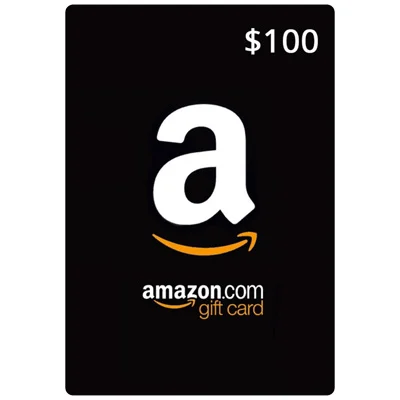
US Amazon Gift Card
A US Amazon gift card adds balance to your Amazon.com account. You can spend it on eligible items sold on Amazon.com, from Amazon itself or from third-party sellers. It only redeems on Amazon.com, not on Amazon sites for other countries such as Amazon.co.uk or Amazon.de.
Amazon Gift Card FAQ
Where do I buy an Amazon gift card on this page?
Pick an amount ($10, $25, $50 or $100) and click Buy Now. You will go to that card on Kinguin, where you pay and receive the code, usually within minutes. GiftCardEver does not sell this card itself. We link to Kinguin and may earn a small commission, at no extra cost to you.
Which region do I need?
The Amazon cards linked on this page are US cards. They can only be redeemed on an Amazon.com account. They will not work on Amazon stores for other countries. If you live outside the US, check that Amazon.com ships the items you want to your country. Before you pay, check the region shown on the Kinguin product page.
Who should buy a US Amazon gift card?
A US Amazon gift card suits people who shop on Amazon.com and want to pay without a credit card. It is also an easy gift, because the person can choose what to buy from a huge range of products.
How to redeem an Amazon gift card?
- Sign in to your account on Amazon.com.
- Go to Redeem a Gift Card (Account > Gift cards > Redeem a Gift Card).
- Enter the claim code and click Apply to your balance.
The balance is then used on your next eligible order.
Once redeemed, the balance is applied to your next eligible orders at checkout. You can also use it for some digital items on Amazon.com, such as Kindle books.
Be the first to review this card