
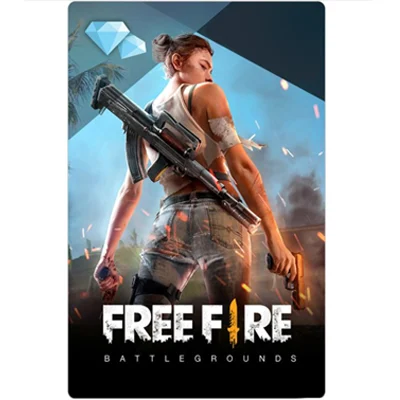
Garena Free Fire Gift Card for Diamonds
Free Fire is a battle royale game from Garena for Android and iOS. Its in-game currency is diamonds, which you use for character skins, weapon skins, bundles and other items in the in-game store.
Garena Free Fire Gift Card FAQ
What can I buy with a Garena Free Fire gift card?
When you redeem the card, its value is added to your Free Fire account as diamonds. You can spend diamonds in the in-game store on character and weapon skins, bundles, the Elite Pass and other items.
It suits players who want to top up without adding a payment card to their phone, and it works as a gift for someone who plays.
Where do I buy a Garena Free Fire gift card on this page?
Pick an amount ($10) and click Buy Now. You will go to that card on Kinguin, where you pay and receive the code, usually within minutes. GiftCardEver does not sell this card itself. We link to Kinguin and may earn a small commission, at no extra cost to you.
The $20 card is not available through Kinguin right now. If you pick that amount, the page shows Not available.
Which region do I need?
The Free Fire card linked on this page is a US card. Make sure it can be used with your Free Fire account and server before you buy. Check the region shown on the Kinguin product page before you pay.
How to redeem a Garena Free Fire gift card?
- Go to Garena’s official Free Fire redemption site, reward.ff.garena.com.
- Sign in with the account (for example Facebook, Google or Apple) that is linked to your Free Fire character. Guest accounts cannot redeem codes.
- Enter the code and confirm.
- Open Free Fire and check your in-game mail. Diamonds or rewards can take a short while to appear.
A Free Fire gift card gives you diamonds without paying by card inside the app. It is also an easy gift for a friend or family member who plays. The card on this page is a US dollar card.
Be the first to review this card